Top 10 VS Code Extensions for Python Developers in 2025
October 12, 2026 - Tools

October 12, 2026 - Tools

October 04, 2026 - Community
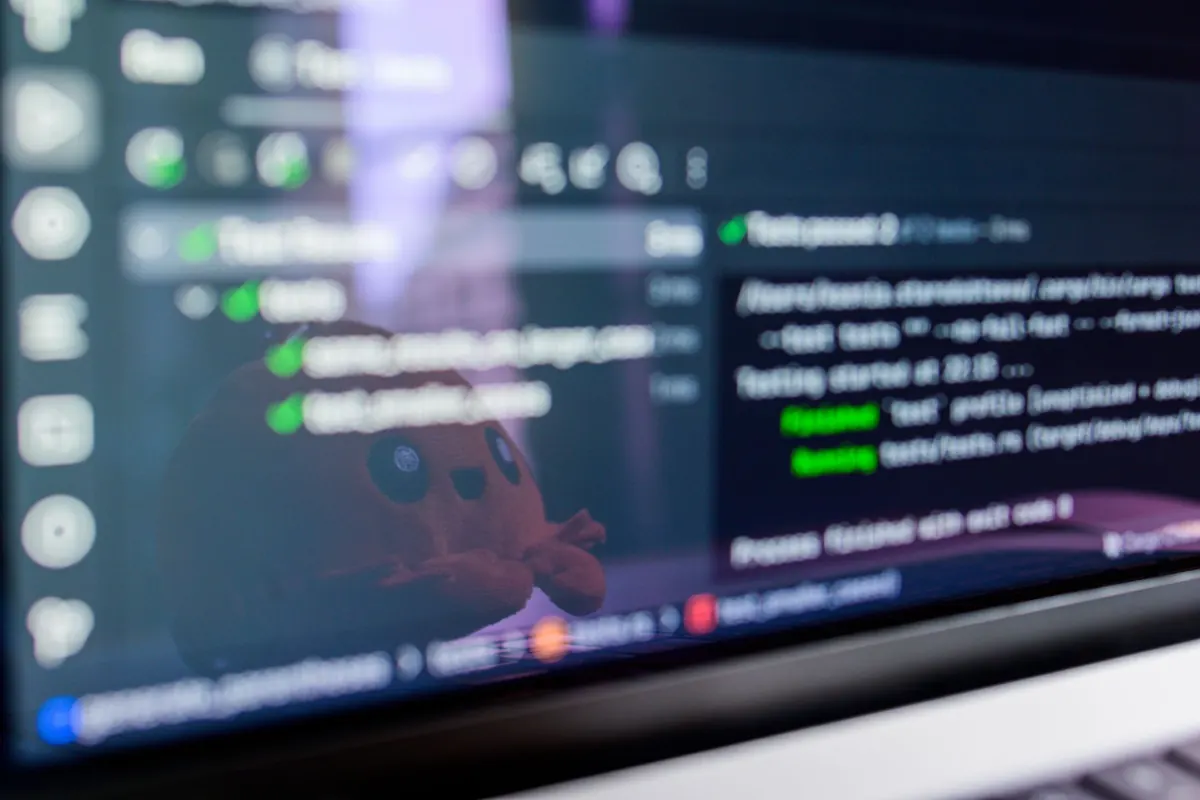
Most people learn Python the same way: follow a tutorial, copy the code, feel briefly capable, forget it a week later. Building something small and finished breaks that loop. A project forces you to decide where data lives, what happens when someone types the wrong thing, and how to break a vague idea into functions you can test. Imagine writing a script that checks a website for a price drop. You quickly hit real questions: Where do you store the last price? What if the site is down? How do you tell the user? Those questions are the actual learning.
The ten projects below start with a single file you can finish in an evening and end with a small deployed app. Each one teaches a specific skill, and each is small enough to explain out loud. Work through them in order, or jump to whichever one matches a problem you already have. If a first version looks like it will take more than a weekend, cut a feature. Remember: a finished simple project beats a half-finished ambitious one every time.
Three habits separate finished projects from abandoned folders:
A project you can explain in an interview is worth more than ten you copied from a tutorial.
A portfolio isn't a museum. Delete projects you've outgrown, or come back and rebuild them once you know more. Your GitHub should show growth, not clutter.
These three projects live in a single file and use only the standard library. They're perfect for your first week of building.
Ask for an amount, a category, and a date; append them to a CSV; then print totals per category for the current month. Start with a simple menu: 1) Add expense, 2) Show summary, 3) Quit. Use a list of dictionaries for the current session, then write to CSV on exit. The math isn't the point. Keeping input, logic, and storage in separate functions is. You'll practice file reads and writes, dictionaries, datetime, and argparse. When it works, swap the CSV for SQLite in project seven and notice how little of the rest has to change.
Build a generator with options for length, digits, and symbols, powered by the secrets module rather than random. Add validation so a length of zero doesn't crash anything. A good default is 16 characters with all character types. Print the password and its estimated entropy. Avoid storing generated passwords in plain text. Learning outcomes: the standard library, string handling, and loops that survive bad input. Keep generation and any strength checks in separate functions so you can test them independently.
Point it at a folder and sort files into subfolders by extension: images, documents, archives. Map extensions to folders: .jpg to Images, .pdf to Documents, .zip to Archives. Use a dictionary for the mapping. Add a --dry-run flag that prints what would move and touches nothing. This one teaches pathlib, shutil, and the habit of never deleting a user's files. Log every move to a text file so a mistake can be undone. Test on a dummy folder first.
Now you'll work with external data and persistence. These projects are still small but introduce libraries you'll use again and again.
Load question-and-answer pairs from a JSON file, shuffle them, ask each card, and track the score. Use a structure like {"q": "What is a list?", "a": "An ordered collection"}. Cards you miss go back into the queue for a second pass. You'll get comfortable with nested data structures, JSON serialization, and a main loop with a clean exit condition. After the quiz, show accuracy. Save the missed cards to a file so the next run starts with your weak spots.
Fetch a forecast for a city typed at the prompt and print a short summary. Use the OpenWeatherMap API or weatherapi.com — both have free tiers. You'll learn how HTTP requests work, how to read a JSON response, and why API keys belong in environment variables instead of your source code. Store your key in a .env file and load it with python-dotenv. Handle a misspelled city and a dropped connection — those are the failures that show up the moment someone else runs your script. Caching the last response also keeps repeated runs from hammering the service.
Choose a static page: a book list, a job board, a timetable. Extract a few fields into a CSV using requests and BeautifulSoup. Check the site's robots.txt first, send a delay between requests, and expect your selectors to break when the site changes. Save the raw HTML to a file so you can debug without re-fetching. Add a user-agent header. Never scrape personal data. This project teaches HTML structure, HTTP status codes, and how to write resilient parsing code.
Take your CSV expense tracker and replace the CSV with a SQLite database. Create a table with columns: id, amount, category, date. Use the sqlite3 module. Write functions to insert, query, and delete. You'll learn SQL basics and how to parameterize queries to avoid injection. The rest of your code should barely change — that's the point of separating storage from logic. Add a feature to export the database back to CSV.
These final projects move you from scripts to shareable applications. They take a bit longer, but each one builds directly on the skills you already practiced.
Build a simple web app where you can write diary entries. Use Flask, Jinja2 templates, and SQLite. You'll learn routing, handling forms, and rendering dynamic HTML. Start with a single page that lists entries and a form to add one. Add edit and delete later. Run it locally first. This is your introduction to web frameworks and the request-response cycle.
Take a CSV of your choice — monthly expenses, a workout log, or a reading list — and use pandas to compute summaries: total per category, average per month. Then use Matplotlib to create a bar chart and a line chart. Save the charts as images. This teaches data manipulation and visualization. You can also use seaborn for prettier charts. The goal is to turn raw rows into a story.
Take your diary app or a new simple app and deploy it to Render (or PythonAnywhere, Fly.io). You'll learn about requirements.txt, environment variables, and production servers. Push your code to GitHub, connect the repo to Render, and set your secret key. Now you have a live URL to share. This is the project that turns a script into a portfolio piece. Add a custom domain if you want to go further.
A good README answers five questions: What does it do? Why did you build it? How do you run it? What did you learn? What would you add next? Include a screenshot if it's visual. List dependencies. Add a "Future Improvements" section. This shows you think about scope and maintainability. A clear README often matters more than the code itself for a portfolio reviewer.
In interviews, don't just say "I built a weather app." Say: "I built a CLI that fetches weather data from an API, handles errors when the city is invalid, and caches responses to avoid rate limits. I used environment variables for the API key and wrote tests for the parsing logic." Focus on decisions, problems solved, and what you'd do differently. The same applies to your GitHub descriptions and LinkedIn posts.
The best portfolio projects are the ones you can explain in depth because you built them yourself, not because you followed a tutorial.
Pick one project from this list. Give it a weekend. Finish it. Then pick the next. Ten small, finished projects will teach you more — and impress more — than one abandoned "big idea." Start with project one today, and by the end of the month you'll have a portfolio you can actually show.
Photo: Daniil Komov / Pexels
Ten VS Code extensions that genuinely help Python work in 2025, with honest pros, cons, and the order to install them in.
A practical walkthrough for hosting a static site free on GitHub Pages, from pushing your first commit to pointing a...
Copyright © 2026 Code Harbor. All Right Reserved.