Top 10 VS Code Extensions for Python Developers in 2025
October 12, 2026 - Tools

October 12, 2026 - Tools

October 04, 2026 - Community
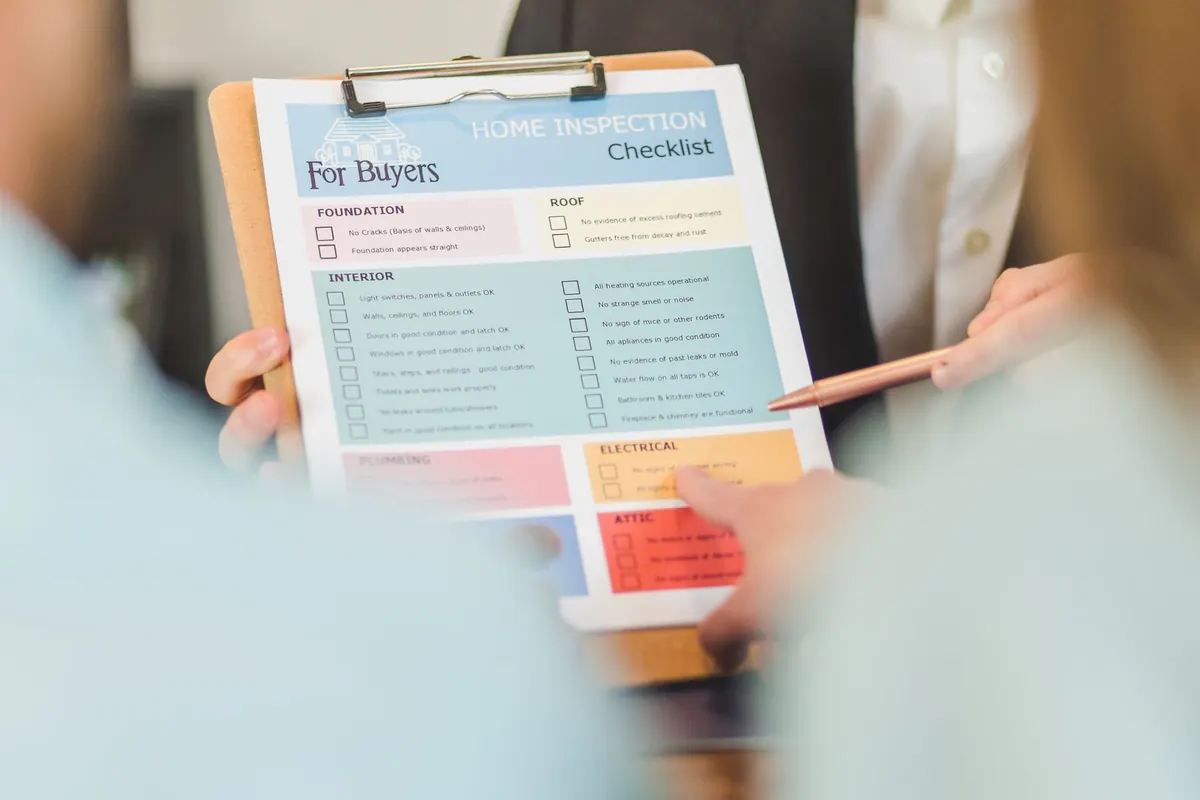
A pull request is a conversation and a gate at the same time. Whatever passes through it becomes someone's problem at two in the morning, which is why ten minutes of careful reading now beats two hours of untangling a bad merge later.
The trouble is that reviews drift. You open a 600-line diff, get absorbed in the logic around line 40, and never look at the migration file at the bottom. A checklist does not make review slower. It makes it repeatable, and it keeps the boring categories from disappearing behind the interesting ones.
Before reading a line of code, check the shape of the change. The description should explain why this exists, not just what moved. If it says "fixes bug", ask which bug and how anyone would know it is fixed.
Scope comes next. A pull request that adds a feature, renames a dozen variables, and reformats a config file is three reviews wearing one coat. Ask for the formatting churn to be split out. Large diffs get shallow reviews; small ones get real ones.
Somewhere around 200 to 400 lines is where reviewers stay sharp. Past that, expect to skim. Confirm the branch is current with the target branch, and that continuous integration is genuinely green rather than "green except for the flaky one".
Read the diff top to bottom once without commenting. You are checking whether you can follow it.
When the rule is subtle — date arithmetic, retries, permission checks — ask for a test rather than a longer explanation. Nobody remembers the explanation eighteen months from now.
You do not need to be a security specialist to catch the common failures. Most incidents start small.
You are not hunting micro-optimizations. You are hunting work that grows badly as data accumulates.
Tests should fail for the right reason. A test that only asserts no exception was thrown tells you almost nothing. Check that new behaviour is covered and that at least one failure path is exercised.
Error handling deserves the same attention. Swallowed exceptions and generic "something went wrong" messages turn small production problems into long ones. Errors should be logged with enough context to reproduce the issue and surfaced to whoever can act on it.
Then documentation. Does the README still describe how to run this? Is there a migration step, a config flag, or an environment variable a teammate needs to know about? If the change alters behaviour someone depends on, say so in the description or the changelog.
Fifteen items is a lot for a two-line fix. Use judgement: a copy change needs item one and nothing else, while a new payment endpoint deserves the full pass. The checklist is a floor, not a ritual.
Two habits make it stick. Comment on the code, not the person — "this query runs once per item, can we batch it?" lands better than "this is wrong". And when you raise the same point in three separate reviews, move it out of the comment thread and into a linter rule, a pull request template, or the team's written conventions.
Review is the last cheap moment to catch something and the first good chance to teach. Keep the list close, keep the comments kind, and keep the merges boring.
Photo: RDNE Stock project / Pexels
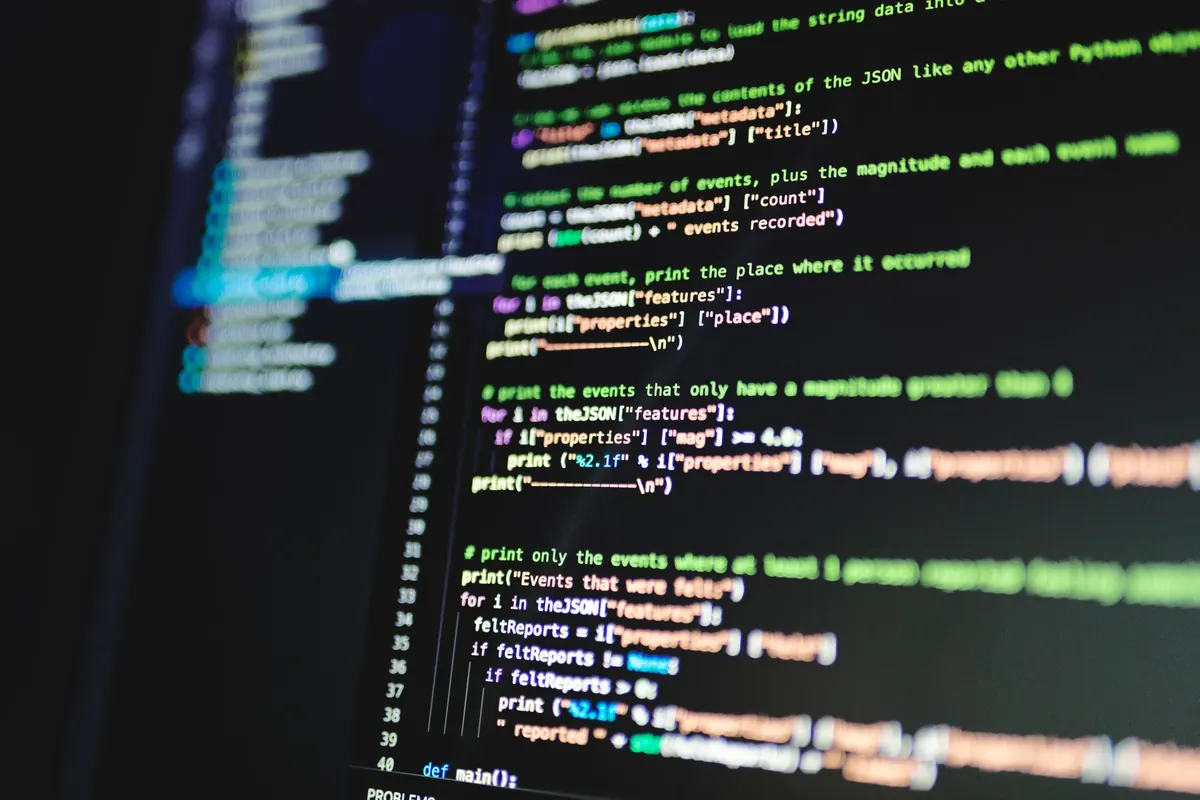
Ten VS Code extensions that genuinely help Python work in 2025, with honest pros, cons, and the order to install them in.
A practical walkthrough for hosting a static site free on GitHub Pages, from pushing your first commit to pointing a...
Copyright © 2026 Code Harbor. All Right Reserved.